

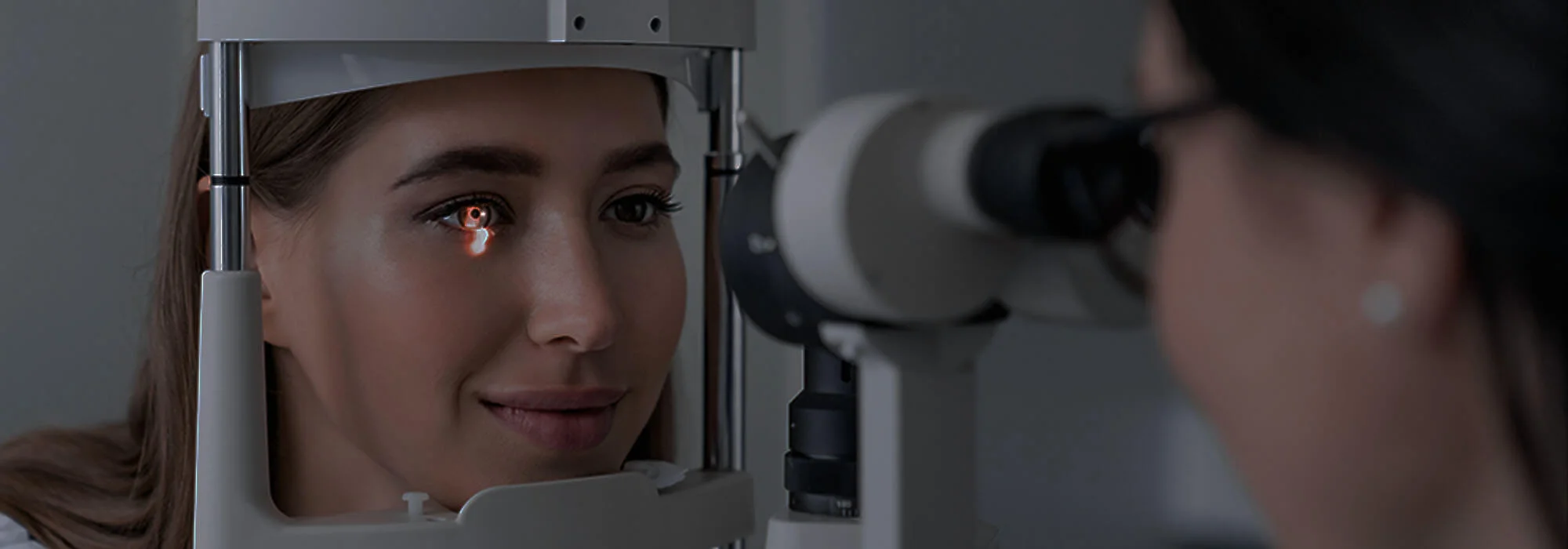
What Are Options for Digital Eye Strain Relief?
Laptops at work, smartphones on the go, TVs and tablets at homeāour eyes rarely get a break from screens. If youāve ended a day with burning eyes, a headache, or blurred vision, youāve probably experienced digital eye strain (also called computer vision syndrome).
The good news? There are many ways to find relief. At OptoDoc, we help patients in Fort McMurray understand why their eyes feel tired and create a personalized plan to make screen time more comfortable.
What Is Digital Eye Strain?
Digital eye strain is a collection of symptoms caused by prolonged use of screens such as computers, phones, and tablets. Common symptoms include:
- Dry, burning, or gritty eyes
- Blurred or fluctuating vision
- Headaches, especially around the eyes or forehead
- Neck, shoulder, or back discomfort
- Sensitivity to light
These symptoms often appear after two or more hours of near work and may worsen as the day goes on.
Option 1: Follow the 20ā20ā20 Rule
One of the simplest and most effective strategies is the 20ā20ā20 rule:
- Every 20 minutes
- Look at something at least 20 feet away
- For at least 20 seconds
This brief ādistance breakā relaxes your focusing muscles and helps reduce strain. Setting a reminder on your phone or using a break-timer app can make it easier to stick to.
Option 2: Adjust Your Workstation
Small changes to your desk or home setup can make a big difference:
- Screen distance: Position your monitor about an armās length away.
- Screen height: The top of your screen should be at or slightly below eye level so your gaze is gently downward.
- Lighting: Avoid bright overhead glare or strong light coming from behind the screen. Use blinds or curtains to control window light.
- Font size: Increase font size and zoom so you arenāt squinting or leaning forward.
At OptoDoc, we can help you estimate an ideal working distance based on your prescription and daily tasks.
Option 3: Blink More & Manage Dryness
We naturally blink less when staring at screensāsometimes up to 50% less. Fewer blinks mean your tear film evaporates more quickly, leading to dryness and irritation.
To combat this:
- Make a habit of doing a few slow, full blinks every few minutes.
- Use a humidifier in dry rooms or during winter heating season.
- Ask your optometrist about preservative-free lubricating eye drops suitable for you.
If youāre experiencing persistent dryness, the team at OptoDoc can assess whether dry eye disease is contributing to your digital discomfort and recommend treatment options.
Option 4: Consider Computer or Blue-LightāFiltering Lenses
For many people, standard glasses arenāt optimized for heavy screen use. Thatās where customized lenses come in:
- Computer lenses: Designed specifically for intermediate and near distances (like your monitor and desk), these lenses can reduce eye strain if you spend hours working at a computer.
- Anti-reflective coatings: Help reduce glare from screens and overhead lighting, improving clarity and comfort.
- Blue-lightāfiltering options: May help reduce glare and visual fatigue from digital devices, especially in the evening.
At OptoDoc, we offer a range of lens designs and coatings tailored for office work, remote work, and studyāour opticians can recommend what best matches your lifestyle.
Option 5: Use Device Settings to Your Advantage
Modern devices have built-in tools that support visual comfort:
- Night mode / warm colour settings: These reduce harsh blue tones and can make evening use more comfortable.
- Brightness adjustment: Match your screen brightness to your environmentātoo bright or too dim can both cause strain.
- Text size and contrast: Larger fonts and good contrast make reading easier and reduce the urge to lean in.
Option 6: Get the Right Prescription
Even a small uncorrected prescription, like mild astigmatism or farsightedness, can dramatically increase eye strain with prolonged near work. If itās been a while since your last eye examāor if your current glasses arenāt comfortable at the computerāit may be time for an update.
During a comprehensive eye exam at OptoDoc, we donāt just check how well you see; we also:
- Assess how your eyes focus and work together at different distances
- Look for signs of underlying conditions like dry eye or binocular vision issues
- Discuss your daily screen habits, work environment, and visual demands
This allows us to recommend lens designs and treatments that truly fit your lifeānot just your prescription.
Option 7: Know When to Seek Professional Help
Occasional eye fatigue after a long day on the computer can be normal, but you should book an eye exam if you notice:
- Frequent or worsening headaches
- Persistent blurry vision or double vision
- Red, painful, or very dry eyes
- Difficulty focusing when switching between near and far
- Any sudden changes in vision
These symptoms can sometimes be linked to more than just digital eye strain, and itās important to rule out other eye health issues.
How OptoDoc Helps With Digital Eye Strain
At OptoDoc in Fort McMurray, we see digital eye strain every dayāfrom students and office workers to gamers and busy parents. Our approach is personalized and practical:
- Thorough eye exams, including digital imaging and precise prescription checks
- Discussion about your work, hobbies, and screen use
- Recommendations for computer lenses, coatings, and dry eye treatments if needed
- Simple, realistic tips to protect your eyes at home and at work
If your eyes feel tired by lunchtime or youāre ending the day with burning, blurry vision, you donāt have to just ālive with it.ā There are real solutionsāand weāre here to help you find them.
How the Eye Works: A Fascinating Journey of Vision
The human eye is a remarkable organ that allows us to perceive the world in vivid detail. From the m
How to Clean Contact Lenses
Step-by-step guide to properly cleaning and caring for your contact lenses, brought to you by OptoDo
Why Does Reading Get Harder With Age?
Learn why reading becomes more difficult with age, what presbyopia is, and how OptoDoc can help you


Leave a Reply